 Skip to content
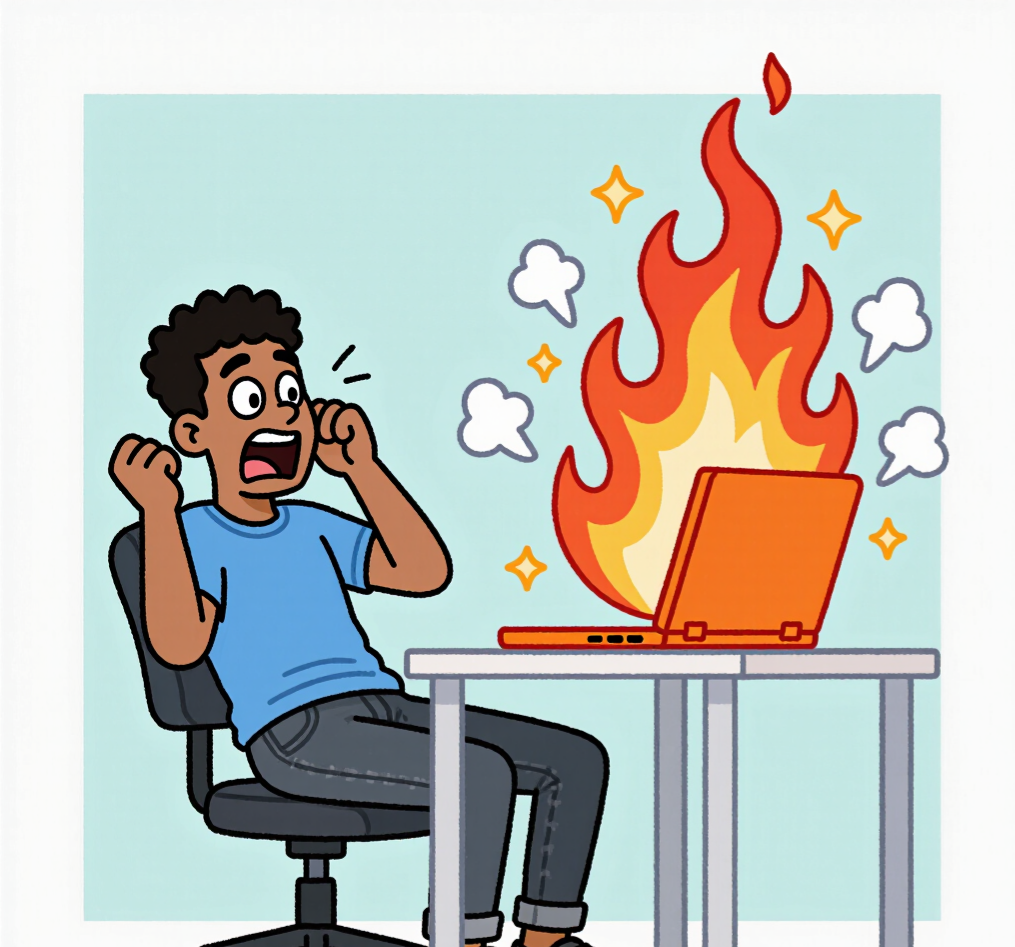
Your Laptop Is Not a Cooker 😭 — How Overheating Affects Your Device
Let’s be honest.
Your laptop is not a stove.
It’s not a cooker.
It’s definitely not supposed to be hot like fresh jollof rice 😅
But somehow, one day you touch it…
and it feels like it just came out of the oven.
And you’re like,
“Wait… why is this thing so hot??”
That’s overheating.
And it’s one of the most common problems people ignore.
What Is Overheating?
Every device produces heat. That’s normal.
But when it becomes too much,
that’s when problems start.
At first, it’s just warm.
Then it becomes hot.
Then one day…
you can almost fry egg on it 🍳💀
Why Does It Happen?
Simple.
Your device is either overworked or not properly taken care of.
Some common reasons:
- Too many apps running
- Using it on your bed (blocking airflow)
- Dust inside the system
- Running heavy apps for too long
- Not giving your device time to rest
Basically… your laptop is tired 😭
How Overheating Affects Your Device
This is where the real problem starts.
1. It Becomes Slow
When your device gets too hot, it slows itself down.
It’s trying to protect itself.
So that fast laptop you know…
starts behaving like it’s struggling 😅
You click… it delays.
You type… it lags.
Now you’re annoyed,
but your laptop is just trying not to die.
2. Apps Start Crashing
Heat affects performance.
Apps may freeze, close suddenly,
or refuse to open.
One minute you’re working…
next minute everything is gone 💀
3. Sudden Shutdowns
This one can shock you.
If your laptop gets too hot,
it may shut down by itself.
Imagine working…
then boom — black screen.
Your laptop is not wicked.
It’s just saying,
“I need to cool down” 😭
4. Battery Problems
Too much heat damages your battery.
You may notice:
- Battery draining fast
- Battery not lasting long
- Or worse… battery issues completely
5. Long-Term Damage
If overheating continues,
it can damage important parts inside your device.
And once that happens…
Repair is not cheap 😅
The Truth
Most people ignore overheating.
As long as the laptop is still working,
they continue.
You’ll even hear:
“It’s normal” 😭
Until one day…
it stops working completely.
How to Prevent It
Good news — it’s avoidable.
Just do small things like:
- Don’t use your laptop on your bed
- Close apps you’re not using
- Give your device some rest
- Keep it clean
- Avoid overloading it
Simple habits. Big difference.
Where DHMS Comes In
Let’s be real…
Most people won’t notice these things early.
That’s why DHMS helps.
It monitors your device
and alerts you when something is wrong — like overheating.
So instead of waiting for damage…
you fix it early.
Final Thoughts
Your laptop is trying to work for you.
Don’t stress it out.
Don’t ignore the signs.
Because once overheating becomes regular…
bigger problems are coming.
Closing Line
Your laptop is not a cooker 😭
Keep it cool.
Keep it healthy.
And let DHMS help you stay ahead.
